How to Build a Remote Contact Center From Scratch

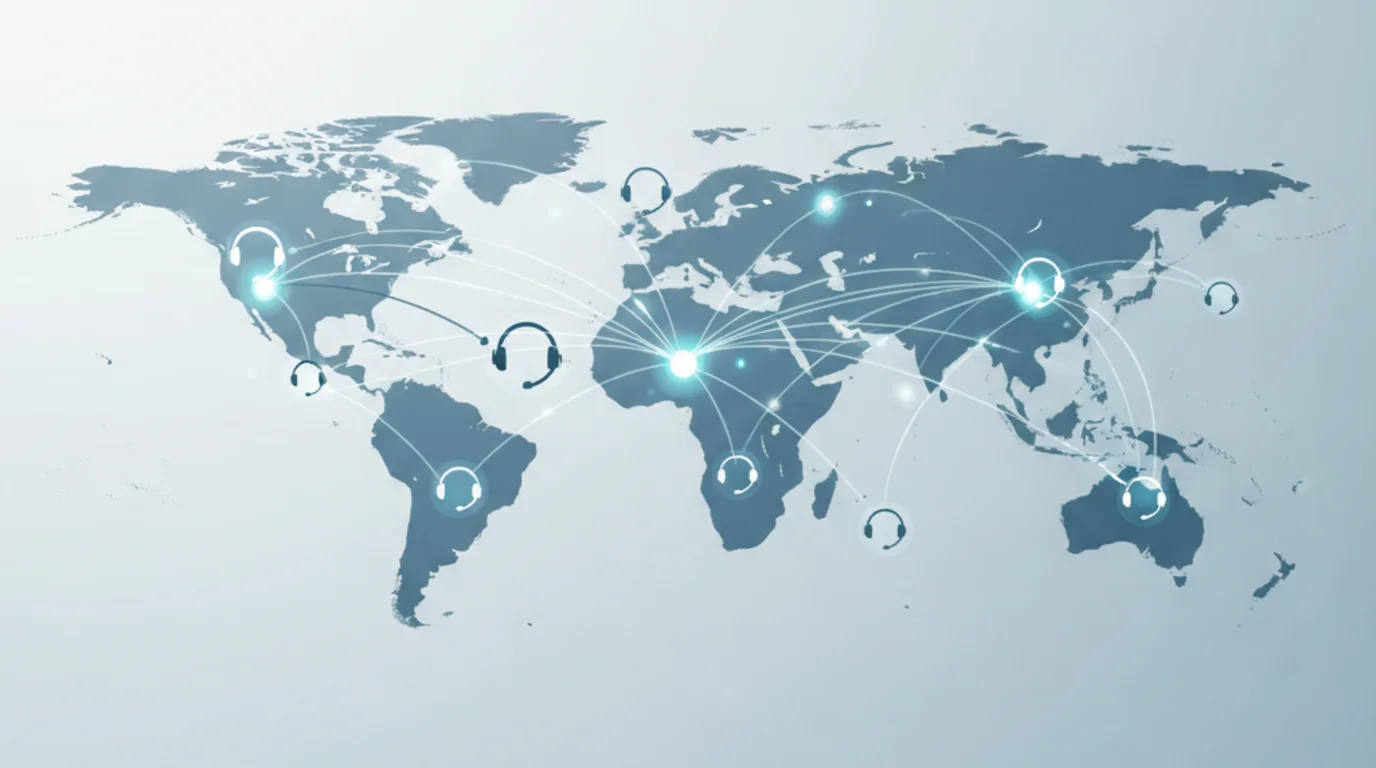
A remote contact center — also called a virtual call center — is a customer support operation where agents work from home or distributed locations instead of a centralized office. Remote work has fundamentally changed how contact centers operate. The agents, the technology, and the management processes are the same. The only difference is that there is no physical office tying everything together.
This step-by-step guide covers everything you need to launch a virtual call center from scratch: choosing the right technology, hiring remote agents, onboarding, security, quality assurance, workforce management, and scaling.
- A remote contact center requires the same technology, agents, and processes as an on-site one — minus the physical office and its associated costs
- Your CCaaS platform is the foundation — choose cloud-based software with built-in VoIP, omnichannel routing, and real-time dashboards
- Hire for self-discipline, written communication skills, and technical aptitude — traits that matter more in remote work than in an office
- Remote onboarding needs more structure than in-office: plan for 4-8 weeks of training, supervised practice, and nesting
- The remote model eliminates 60-75% of facility costs compared to a physical contact center
Step 1: Define Your Operation
Before you evaluate a single piece of software, answer these questions:
What channels will you support? Start by mapping your business needs to specific channels. Voice, chat, email, social media, SMS — or all of them? An omnichannel contact center requires different technology than a voice-only operation. Most modern virtual call centers support at least voice, chat, and email from day one, with messaging and social media added as volume justifies.
What hours will you operate? 24/7 coverage, business hours only, or extended hours? This determines how many agents you need and whether you need to hire across time zones. A remote call center has a natural advantage here — you can hire agents in different time zones to cover shifts without anyone working nights.
What volume do you expect? Start with your projected monthly contact volume across all channels. This drives every downstream decision — staffing, technology licensing, and budget. If you do not have historical data, estimate based on your customer base size and industry benchmarks (typically 1-3 contacts per customer per month for B2C).
What are your target metrics? Define your KPIs before launch, not after. At minimum:
| Metric | What It Measures | Typical Target |
|---|---|---|
| CSAT | Customer satisfaction | 4.3-4.8 / 5 |
| FCR (First Call Resolution) | Issues resolved on first contact | 70-80% |
| AHT (Average Handle Time) | Time per interaction | Channel-dependent |
| Service Level | % answered within target time | 80% in 20 seconds |
| Agent Attrition | Annual turnover | Below 30% |
Step 2: Choose Your Technology Stack
Technology is the infrastructure of a virtual call center. Without the right stack, remote agents cannot function. Here is what you need, in order of priority.
Cloud-Based Contact Center Platform (CCaaS)
This is your core system — the platform that connects agents to customers across all channels. A cloud-based CCaaS replaces the on-premise phone systems of traditional call centers with a software platform accessible from any location with an internet connection.
Essential CCaaS capabilities:
- Call routing and automatic call distribution (ACD) — Routes inbound calls to the right agent based on skills, availability, and queue priority
- IVR (Interactive Voice Response) — Automated menus that let callers self-service or route to the right department before reaching an agent. A well-designed IVR deflects 20-40% of calls from agents entirely.
- Omnichannel support — Voice, chat, email, social media, and SMS managed from a single agent interface
- Call recording — For quality assurance, training, and compliance
- Real-time dashboards — Live visibility into queue depths, wait times, agent status, and service level
- Outbound calls — For callbacks, follow-ups, and proactive customer outreach
- Reporting and analytics — Historical data on all metrics
Popular virtual call center software and CCaaS platforms: Five9, NICE CXone, Genesys Cloud, Talkdesk, Amazon Connect, 8x8, RingCentral. These call center software solutions streamline operations across all channels. Pricing typically runs $50-$150 per agent per month for mid-tier plans. Most offer scalability — you pay per seat and can add or remove agents as volume changes.
VoIP is built in. Modern CCaaS platforms use Voice over IP (VoIP) for all calls, so you do not need a separate phone system. Agents make and receive calls through their computer with a headset — no desk phones required.
CRM (Customer Relationship Management)
Your CRM gives agents a complete view of each customer — past interactions, purchase history, open tickets, and preferences. When integrated with your CCaaS, the CRM automatically pulls up the customer record when a call or chat comes in, eliminating the need for customers to repeat themselves.
CRM integration is critical. A CRM that does not integrate with your contact center platform creates manual work and data gaps. Prioritize native integrations or robust API connectivity. Most CCaaS platforms offer pre-built integrations with Salesforce, HubSpot, Zendesk, and other major CRMs.
Workforce Management (WFM)
WFM software handles the operational backbone: forecasting contact volume, creating agent schedules, tracking adherence, and managing time off. In a remote contact center, workforce management is not optional — it is how you ensure the right number of agents are available at the right time.
Key WFM functions:
- Forecasting — Predict contact volume by channel, day, and interval based on historical patterns
- Scheduling — Generate optimized schedules that match staffing to forecasted demand
- Real-time adherence — Monitor whether agents are following their schedules (on calls when they should be, on break when scheduled)
- Time tracking — Record hours worked, overtime, and break compliance
For remote contact centers, HiveDesk provides workforce management with automatic time tracking, activity monitoring, scheduling, attendance management, and real-time dashboards — built specifically for distributed teams at $5/user/month.
Quality Assurance (QA)
QA tools let you evaluate agent performance systematically. At minimum, you need call recording and a scoring framework. AI-powered QA platforms can analyze 100% of customer interactions (not just a random sample) to identify coaching opportunities, compliance issues, and customer experience trends.
Knowledge Base
A centralized knowledge base gives agents instant access to product information, troubleshooting guides, policies, and scripts. In a remote setting where agents cannot turn to the colleague next to them, a well-maintained knowledge base is the difference between a confident agent and a flustered one. It also enables customer self-service, deflecting contacts before they reach an agent.
Collaboration and Communication Tools
Remote agents need a way to communicate with each other and with managers throughout the day. Slack, Microsoft Teams, or Google Chat serve as the virtual equivalent of the office floor. Use these for:
- Quick questions and escalations
- Team announcements and updates
- Social channels for team bonding
- Video calls for meetings and coaching sessions
Agent Equipment
Each remote agent needs:
| Equipment | Requirement |
|---|---|
| Computer | Laptop or desktop meeting CCaaS system requirements |
| Headset | Noise-canceling USB or Bluetooth headset (essential for voice quality) |
| Internet connection | Minimum 25 Mbps download / 5 Mbps upload; wired ethernet preferred over WiFi |
| Webcam | For team meetings and coaching sessions |
| Workspace | Quiet, dedicated area free from background noise |
Who pays? Most companies either provide equipment directly (shipping laptops and headsets to agents) or offer a stipend ($500-$1,000) for agents to purchase their own. The upfront cost is offset by eliminating office space — no office lease, furniture, utilities, or parking.
Key Takeaway
Your technology stack makes or breaks a remote contact center. Prioritize CCaaS, CRM, and workforce management first — then layer on QA and knowledge base tools as you scale.
Step 3: Hire Remote Agents
Hiring for a virtual call center requires evaluating traits that matter less in an office environment but are critical when working remotely.
What to Screen For
Self-discipline. Remote agents must manage their own time without a supervisor physically present. Look for evidence of independent work in previous roles.
Written communication. Chat and email support require clear, concise writing. Even voice agents need to communicate effectively in internal messaging. Include a written assessment in your screening process.
Technical aptitude. Agents will troubleshoot their own minor technical issues — a frozen application, an audio routing problem, a VPN disconnection. They need to be comfortable navigating multiple software systems simultaneously.
Reliable home environment. A quiet workspace and stable internet connection are not optional. Ask about their setup during the interview and verify internet speeds.
Customer empathy. This applies to any contact center role, but in a remote setting without the energy of a team around them, agents need intrinsic motivation to deliver great customer experiences.
Where to Recruit
- Remote-focused job boards — Remote.co, FlexJobs, We Work Remotely
- Standard platforms — Indeed, LinkedIn (filter for remote)
- International talent — If you are building an offshore or nearshore remote team, see our guides for hiring in India, the Philippines, Colombia, or other countries using an EOR
Remote Interview Process
Conduct all interviews by video. Observe the candidate's setup — is their background quiet? Is their internet connection stable? Is their audio clear? This gives you a preview of how they will perform on customer calls.
Include a simulation: give them a sample customer scenario and have them handle it live. For chat roles, run the simulation over chat. This reveals their communication skills, problem-solving approach, and comfort with the technology.
Track Your Remote Agents Automatically
HiveDesk gives contact center managers automatic time tracking, activity monitoring, and real-time dashboards for distributed teams. Try it free for 14 days.
Step 4: Onboard and Train
Remote onboarding requires more structure than in-office onboarding because new agents cannot learn by osmosis — watching colleagues, overhearing calls, or asking quick questions across a desk.
Pre-Day-One Setup
Before their first day, ship equipment, grant system access, and send a detailed schedule for their first two weeks. Include a welcome packet with team introductions, company overview, and their manager's contact information. Nothing kills momentum like a new hire spending day one troubleshooting login credentials.
Week 1-2: Foundation
- Technology training. Walk through every system: CCaaS, CRM, knowledge base, WFM, collaboration tools, VPN. Provide recorded tutorials they can reference later.
- Product training. Cover your products/services, common customer issues, and resolution workflows.
- Policy and compliance. Data security protocols, call recording consent, customer privacy, and any regulatory requirements. See our contact center compliance guide for what to cover.
- Assign a buddy. Pair each new agent with an experienced team member for informal questions.
Week 3-4: Supervised Practice
- Agents handle real customer interactions with a QA reviewer monitoring every interaction
- Daily debrief sessions to discuss what went well and what to improve
- Gradually increase volume as confidence builds
Week 5-8: Nesting
- Reduced volume expectations while agents build speed
- Shift from 100% QA review to standard sampling
- Regular coaching sessions with team lead
- Agent joins the regular team rhythm (standups, team meetings, social channels)
Ongoing Development
Training does not stop after onboarding. Plan for:
- Monthly product updates as your offerings evolve
- Quarterly skill refreshers on communication, de-escalation, and empathy
- Annual compliance recertification
- Career development paths from agent to senior agent to team lead — visible promotion paths improve retention significantly
Step 5: Secure Your Operation
A remote contact center handles sensitive customer data from agents' homes. Security requires deliberate design, not afterthoughts.
Mandatory Security Measures
- VPN — All agents connect through a company VPN. This encrypts traffic between their home network and your systems.
- Multi-factor authentication (MFA) — Required for all systems. A password alone is not sufficient.
- Endpoint protection — Antivirus, anti-malware, and firewall on all agent devices. Managed centrally so you can push updates.
- Data encryption — In transit (TLS) and at rest for all customer data.
- Access controls — Agents access only the systems and data they need. No admin privileges on company devices.
- Screen lock policy — Automatic lock after inactivity. Agents must work in private spaces where screens are not visible to others.
PCI-DSS Compliance
If agents handle credit card payments, PCI-DSS compliance is mandatory. Call recordings must pause during payment entry. Agents must not write down or verbally repeat card numbers. Consider payment IVR solutions that let customers enter card details without the agent hearing them.
Regular Security Audits
Conduct quarterly audits of remote security practices. Test VPN compliance, verify MFA adoption, and review access logs. Annual penetration testing validates your infrastructure.
Step 6: Manage Day to Day
Running a remote contact center day to day requires more structure than an on-site operation. The cadence of communication, monitoring, and coaching replaces the informal oversight that happens naturally in a physical office.
Daily Rhythm
| Time | Activity |
|---|---|
| Shift start | Agents log in, check queue status, review any overnight updates |
| First 15 min | Team standup via video (brief: volume outlook, any issues, recognition) |
| Throughout shift | Real-time monitoring of queue depth, service level, and agent adherence via dashboards |
| Mid-shift | Manager spot-checks — listen to live calls, review chat interactions |
| End of shift | Agents complete wrap-up; shift handoff notes for the next team |
Weekly Cadence
- 1:1 coaching sessions — 15-30 minutes per agent, reviewing metrics and QA scores
- Team meeting — 30 minutes, covering performance, process updates, and recognition
- QA calibration — QA team aligns on scoring standards to ensure consistency
Monthly Reviews
- Performance against KPIs (CSAT, FCR, AHT, service level)
- Attrition and engagement trends
- Forecasting accuracy review
- Schedule optimization opportunities
Keeping Remote Agents Engaged
Remote work makes engagement harder but not impossible. The biggest risk in a remote contact center is isolation. Agents who feel disconnected disengage, and disengaged agents leave.
- Video on for all meetings. Seeing faces builds connection that audio alone cannot.
- Social channels. Dedicate Slack/Teams channels for non-work conversation — pets, hobbies, weekend plans.
- Public recognition. Celebrate wins in team channels and meetings. In a remote setting, recognition has outsized impact on morale.
- Virtual team events. Monthly game nights, trivia, or casual hangouts. Keep them optional and fun, not forced.
- Career conversations. Quarterly discussions about growth, goals, and promotion paths. Agents who see a future stay longer.
Start Every Shift with a 10-Minute Huddle
A brief daily standup covering volume outlook, focus for the day, and an open floor for agent questions replaces the informal oversight that happens naturally in a physical office. It is the single highest-impact management habit for remote teams.
Step 7: Scale
A remote contact center scales more efficiently than a physical one — no office expansion, no new lease, no furniture. But scaling requires planning.
From 5 to 20 Agents
- Your original team lead can manage up to 12-15 agents
- Add a second team lead at 15+ agents
- Formalize QA with a dedicated reviewer (or part-time QA from a senior agent)
- WFM becomes essential — manual scheduling breaks down past 10 agents
From 20 to 50 Agents
- Hire a dedicated operations manager
- Add a full-time QA analyst
- Implement formal WFM with forecasting and schedule optimization
- Build a structured training program for new agents (not ad-hoc)
- Consider hiring across time zones for extended or 24/7 coverage
From 50 to 200+ Agents
- Multiple team leads reporting to an operations manager
- Dedicated QA team (1 analyst per 20-25 agents)
- WFM analyst for forecasting and capacity planning
- HR support for hiring, onboarding, and employee relations
- If hiring internationally, use an Employer of Record or establish local entities. See our country-specific compliance guides for labor law requirements.
Cost Comparison: Remote vs Physical
| Cost Category | Physical Contact Center (50 agents) | Remote Contact Center (50 agents) |
|---|---|---|
| Office lease | $150K-$400K/year | $0 |
| Furniture and buildout | $50K-$150K (one-time) | $0 |
| Utilities and maintenance | $30K-$60K/year | $0 |
| Agent equipment | Included in buildout | $25K-$50K (one-time stipend) |
| Internet/phone | $20K-$40K/year | $0 (agent responsibility) or $12K-$24K (stipend) |
| CCaaS platform | $75K-$150K/year | $75K-$150K/year (same) |
| Total Year 1 | $325K-$800K | $100K-$225K |
The remote model eliminates 60-75% of facility costs. The savings compound annually since you avoid lease renewals, maintenance, and utilities every year. This is the fundamental economic advantage of a virtual call center — every dollar not spent on real estate goes into talent, technology, and customer experience.
Common Mistakes
Launching without process documentation. In a physical office, undocumented processes survive through tribal knowledge. In a remote setting, if it is not written down, it does not exist. Document every workflow before your first agent goes live.
Skipping the pilot. Start with 5-10 agents, find the problems, fix them, then scale. Going from 0 to 50 remote agents on day one is a recipe for chaos.
Under-investing in management. Remote agents need more management structure, not less. A manager who checks in once a week will have a disengaged team by month three.
Treating remote work as temporary. If agents sense the remote model is an experiment that might be reversed, they will not invest in their home setup or the remote culture. Commit to the model.
Ignoring compliance. Each state (or country) where an agent works creates a separate set of labor law obligations — minimum wage, overtime, breaks, paid leave. See our contact center compliance guide for details.
Important
Every state or country where a remote agent works creates separate labor law obligations for minimum wage, overtime, breaks, and paid leave. Non-compliance can result in back-pay claims and penalties — track agent locations and apply the correct jurisdiction's rules from day one.
Frequently Asked Questions
How much does it cost to start a virtual call center?
For a small businesses starting with 5-10 agents, expect $5,000-$15,000 in upfront costs (equipment stipends) plus $50-$150 per agent per month for CCaaS software. Ongoing costs are primarily agent compensation and technology subscriptions. The absence of office space makes a virtual call center significantly cheaper than a physical one — typically 60-75% lower facility costs.
What equipment do remote call center agents need?
At minimum: a computer (laptop or desktop), a noise-canceling headset, a stable internet connection (25+ Mbps), and a quiet workspace. Most companies provide the computer and headset directly or offer a $500-$1,000 equipment stipend.
Can a virtual call center handle the same volume as a physical one?
Yes. Cloud-based CCaaS platforms have no inherent volume limitations — scalability is a core advantage. A 500-agent virtual call center handles the same call volume as a 500-agent physical one. The bottleneck is staffing and network capacity, not the technology.
How do you manage quality in a remote call center?
Through call recording, QA scoring frameworks, real-time monitoring dashboards, and structured coaching sessions. AI-powered QA tools can analyze 100% of interactions. Combined with regular 1:1 coaching and calibration sessions, remote quality assurance can be more systematic than in-office approaches.
How do you keep remote agents engaged?
Video-first meetings, social chat channels, public recognition of good work, virtual team events, career development conversations, and strong 1:1 relationships between agents and their team leads. The companies with the lowest attrition treat engagement as a daily practice, not a quarterly initiative.
Build Your Remote Contact Center on HiveDesk
Automatic time tracking, activity monitoring, scheduling, and real-time dashboards — built for remote contact center teams. $5/user/month.