

Create Schedules. Track Adherence. Know Who Showed Up.
Most scheduling tools stop at creating shifts. HiveDesk connects your schedule to actual clock-in data — so you see who showed up, who was late, and who missed their shift. No more guessing.
No credit card required · $5/user/month · All features included
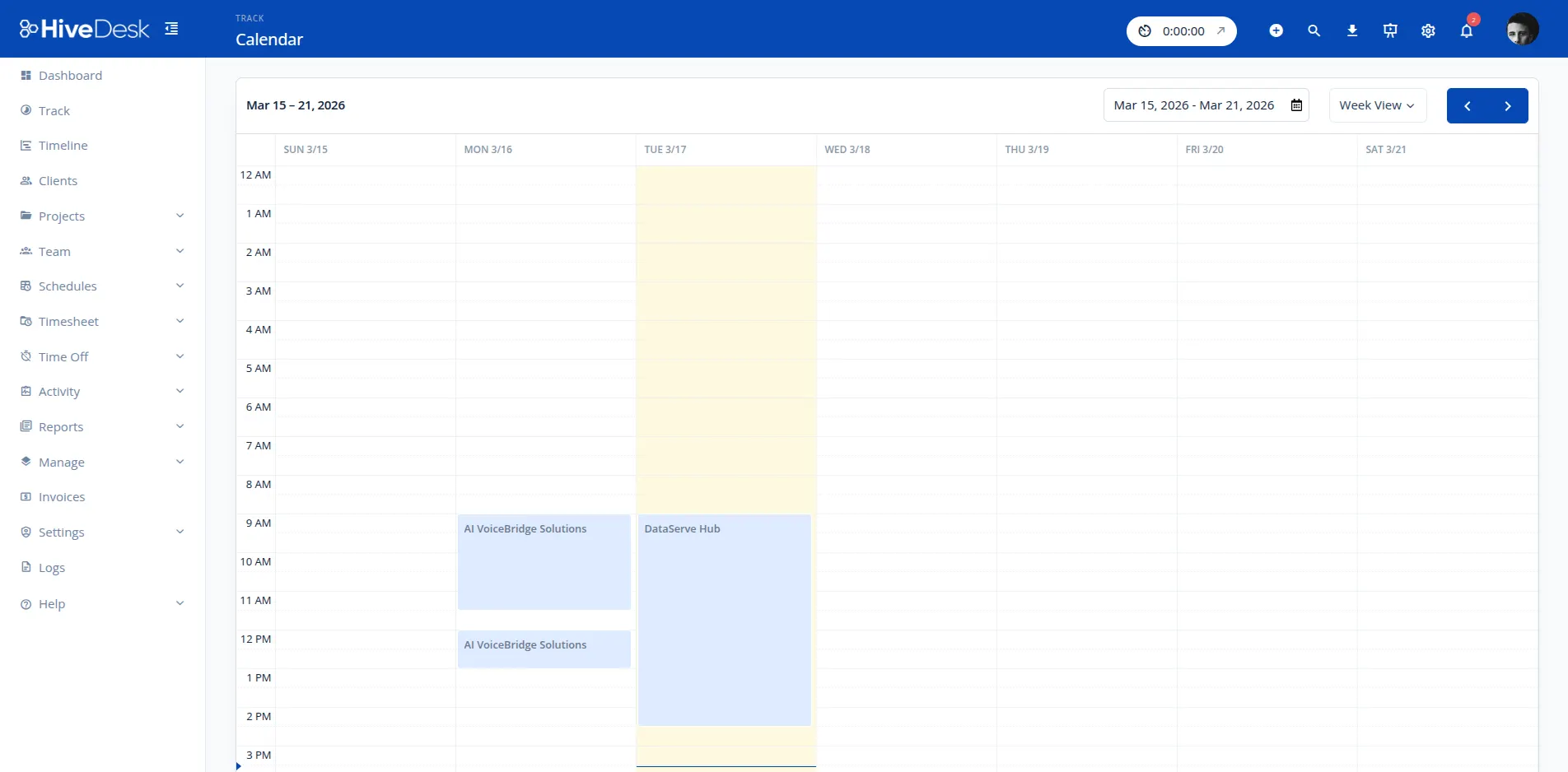
Schedules Without Accountability Are Just Wishful Thinking
You need to know not just who was scheduled, but who actually showed up and worked.
Without connected scheduling
- Schedules live in spreadsheets with no link to actual attendance
- Late arrivals and no-shows go unnoticed until clients complain
- Overtime builds up invisibly until payroll is due
- Time-off requests get lost in email threads
With HiveDesk scheduling
- Clock-in times are compared against scheduled shifts automatically
- Late arrivals and absences are flagged on your dashboard in real time
- Overtime hours are visible before payroll, not after
- Leave requests and approvals are built into the schedule
How Scheduling Works
From shift creation to adherence reports in three steps.
Create Shifts
Set up shifts with start/end times. Assign employees and create recurring schedules for weekly rotations.
Employees Clock In
Employees start tracking time through the desktop, mobile, or browser app. HiveDesk records actual times against scheduled shifts.
Review Adherence
See who was on time, late, or absent. Review overtime, attendance, and timesheets. Export as PDF or Excel for payroll.
Scheduling That Connects to Real Work Data
Shifts, attendance, leave, and overtime — all in one place.
Shift Creation & Templates
Create shifts with start/end times. Build reusable templates for weekly rotations so you never rebuild the same schedule twice. Assign employees by team, department, or location.
Schedule Adherence Tracking
Compare actual clock-in/out times against scheduled shifts. See who showed up on time, who was late, and who was absent — without checking manually.
Leave & Time-Off Integration
Approved time off is reflected in the schedule automatically. Managers see who is available before assigning shifts, preventing coverage gaps from unplanned absences.
Holiday Calendars
Create holiday calendars for different offices and regions. Holidays are factored into scheduling and attendance tracking so they are not flagged as absences.
Overtime Visibility
Track daily and weekly hours worked against scheduled shifts. Overtime hours surface in reports before payroll — no end-of-month surprises.
Break Time Compliance
Track meal breaks and rest periods against scheduled break times. Break data is included in timesheets for compliance with labor law requirements.
Built for Teams with Rotating Schedules
HiveDesk scheduling is especially useful for teams that work in shifts across locations and time zones.
Contact Centers
Manage inbound and outbound teams across multiple shifts and time zones. Track adherence to meet SLAs.
BPO Operations
Schedule outsourced teams with shift rotations. Compare actual hours against contracted schedules.
Customer Support
Ensure coverage during business hours. Know immediately when someone misses a shift.
Remote Teams
Track when distributed team members are working, regardless of their location or time zone.
Agencies
Schedule contractors and track billable hours against client projects and scheduled work blocks.
Technical Support
Manage on-call schedules and shift coverage. Track break compliance for support teams.
Frequently Asked Questions
Common questions about employee scheduling with HiveDesk.
HiveDesk lets managers create and assign employee shifts, set up recurring schedules, track clock-in/out times against scheduled shifts, and manage time-off requests with an approval workflow. Overtime hours are tracked automatically.
Yes. You can set up recurring shift schedules so you don't have to recreate them each week. This is especially useful for contact centers and BPOs with regular shift rotations across multiple time zones.
HiveDesk compares actual clock-in and clock-out times against scheduled shifts. You can see at a glance who arrived on time, who was late, who left early, and who missed their shift entirely. No manual checking required.
Employees submit time-off requests through HiveDesk. Managers receive the request and can approve or deny it. Approved time off is reflected in the schedule and leave balance automatically.
Yes. HiveDesk supports teams across multiple time zones. You can create shifts for different locations, and the system accounts for time zone differences when tracking attendance and adherence.
Yes. HiveDesk tracks total hours worked per day and per week. When employees work beyond their scheduled hours, overtime is visible in timesheets and reports for payroll and compliance purposes.
Dedicated scheduling tools focus only on creating schedules. HiveDesk connects scheduling with time tracking, attendance, activity monitoring, and timesheets — so you can see not just who was scheduled, but who actually showed up and what they did.
Employees can track time using the desktop app (Windows, Mac, Linux), mobile app (iOS), Chrome extension, or web app. Managers access scheduling and reports from the web dashboard.
HiveDesk is $5/user/month with all features included — scheduling, time tracking, attendance, leave management, activity monitoring, and reporting. There is a 14-day free trial with no credit card required.
Most teams create their first schedule within minutes. Set up shift templates, assign employees, and enable recurring schedules. Employees see their schedules as soon as they log in to HiveDesk.
Related Pages
Employee Shift Scheduling Software
Full product page for shift scheduling — comparison tables, use cases, and pricing details.
Attendance Management
Track attendance automatically from clock-in data. See late arrivals, absences, and overtime.
Leave Management
Time-off requests, approvals, and balance tracking — integrated with your shift schedule.
Predictive Scheduling Laws by State
Which states and cities require advance schedule notice and predictability pay.
Employee vs Contractor Classification
How to classify workers correctly and avoid misclassification penalties.
Ready to Get Started?
Join teams worldwide who trust HiveDesk for workforce management, time tracking, and employee monitoring. $5/user/month, all features included.